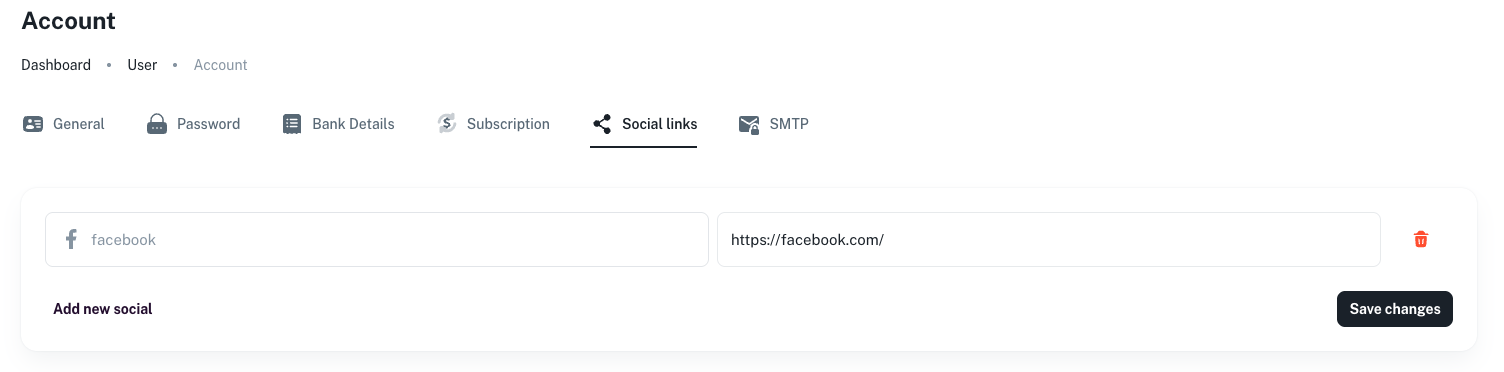
How to add/update your social media links
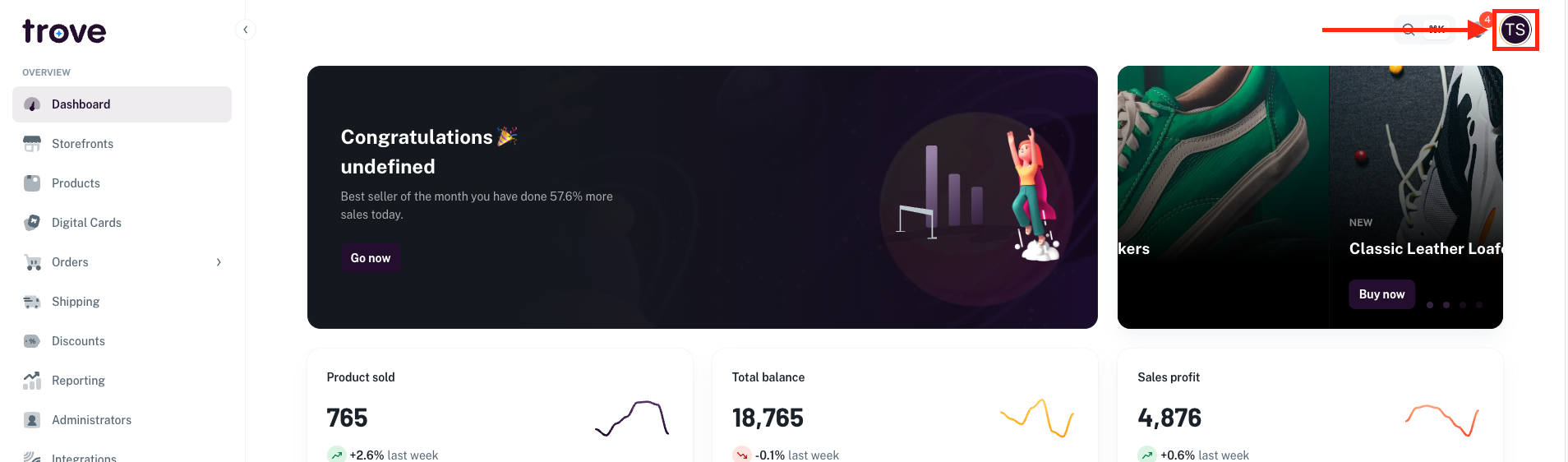
To update your social media accounts, head to your profile icon in the top right of the page
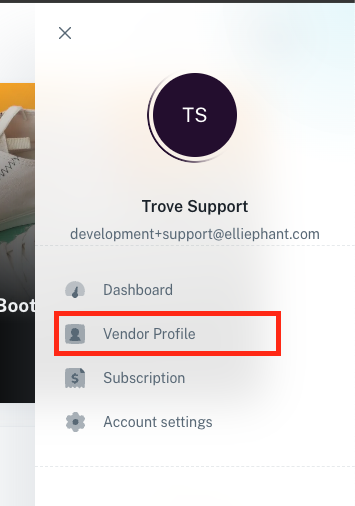
In the dropdown menu select "Vendor Profile"
On this page you will need to click on the "Social links" tab
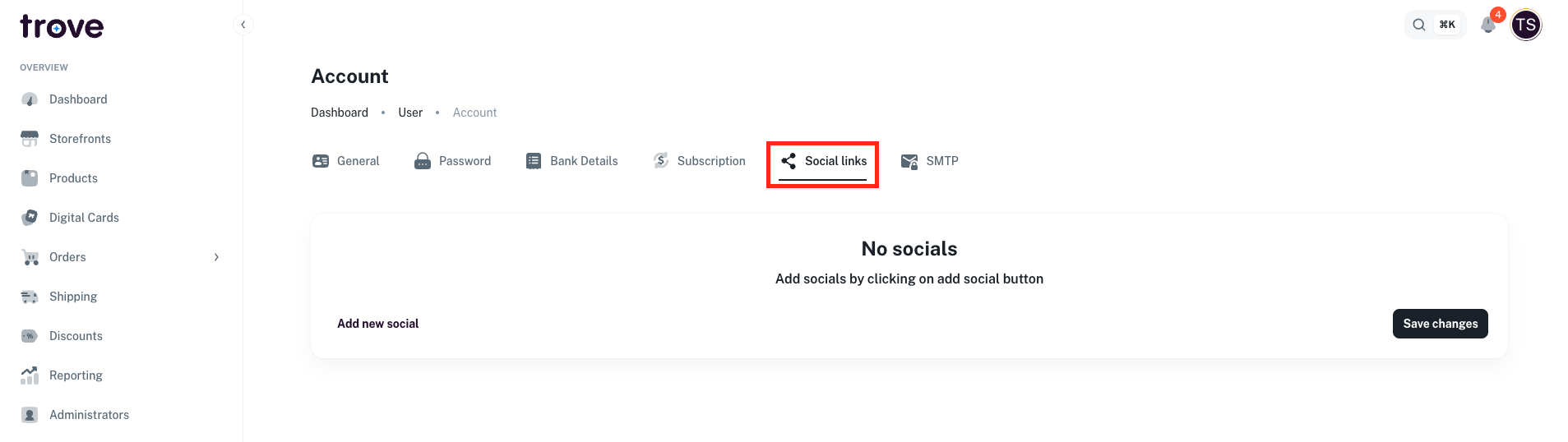
Once on this tab you can add in a new social link by clicking the button "Add new social"
You can then select the social network you want to add in
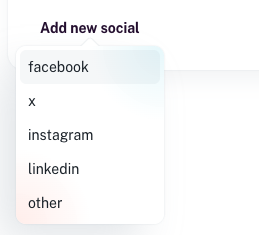
You can add in as many of these links in as you like
Once you fill out the URL you can save the changes or if you need to remove one you can click on the little trash bin