How to register for an account
To register for your vendor account you first need to go to the URL mytrove.store/register
You will be greeted with the following form:
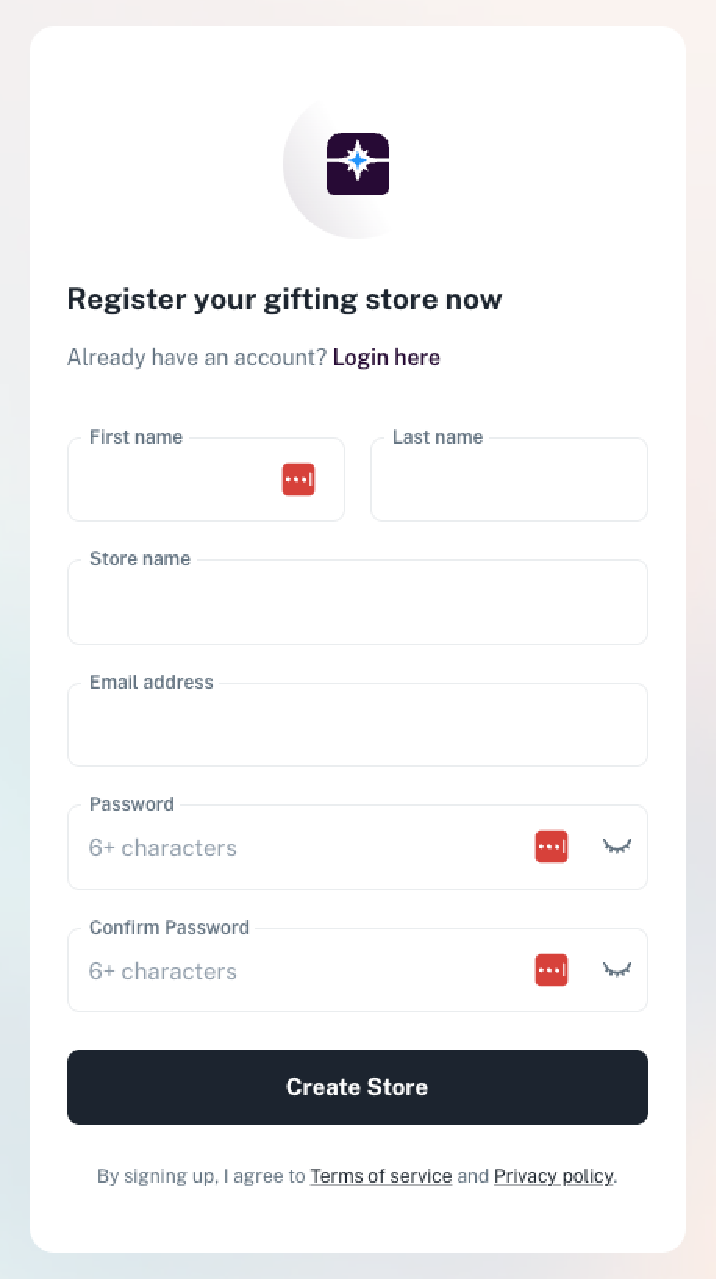
From here fill in the following fields:
- First Name and Last Name - your personal name.
- Store Name - the name of your brand or business. Don't worry, you can change this later.
- Country - select the country of your primary billing entity - this should reflect the legal entity that will be operating the account and receiving invoices and payments.
- Email Address - use an email address you have access to and can actively receive emails on, as you will need it to confirm your account and receive important store notifications.
- Password and Confirm Password - choose a password of at least 6 characters and enter it twice to confirm.
Once all fields are filled in, click Create Store.
Your account will be created and a confirmation email will be sent to the address you provided. You will not be able to log in until your email address has been confirmed - see How to confirm/approve your account for next steps.