How to reset your password
If you can't login to your account and you need to reset your password head to this link - admin.mytrove.store/reset-password
You will then need to enter your email in the forget password form.
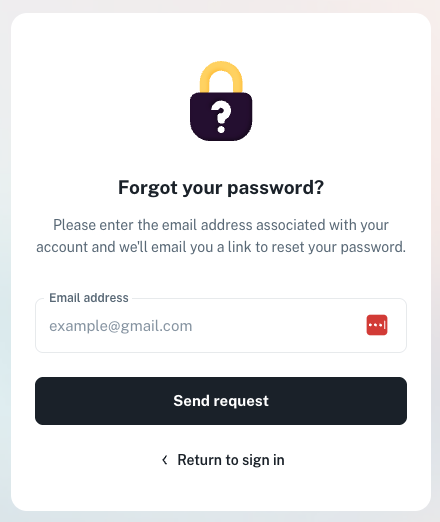
Once you have entered your email you will be redirected to the password reset page which looks like the following.
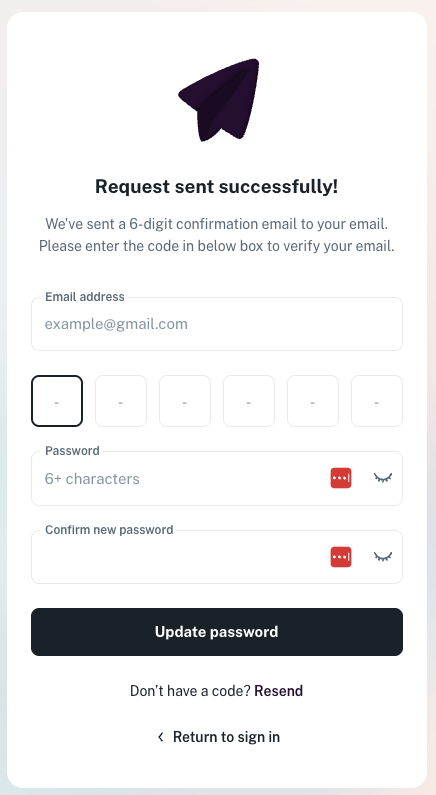
You will also receive an email with a 6 digit number.
This email will look like the following but with your unique number.
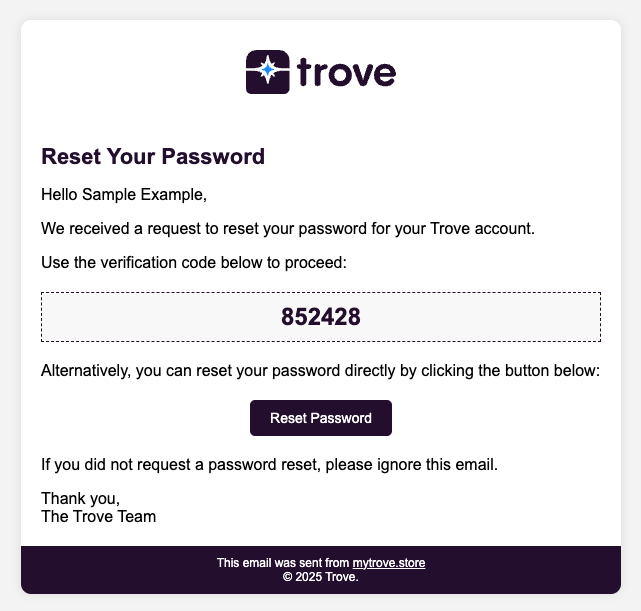
You can then use this number on the reset password page.
So enter your email, this code and your new password
Once your password has been updated you can now login to the platform