How to update your password
If you are already logged into your account but would like to change your password you can do so by following these steps.
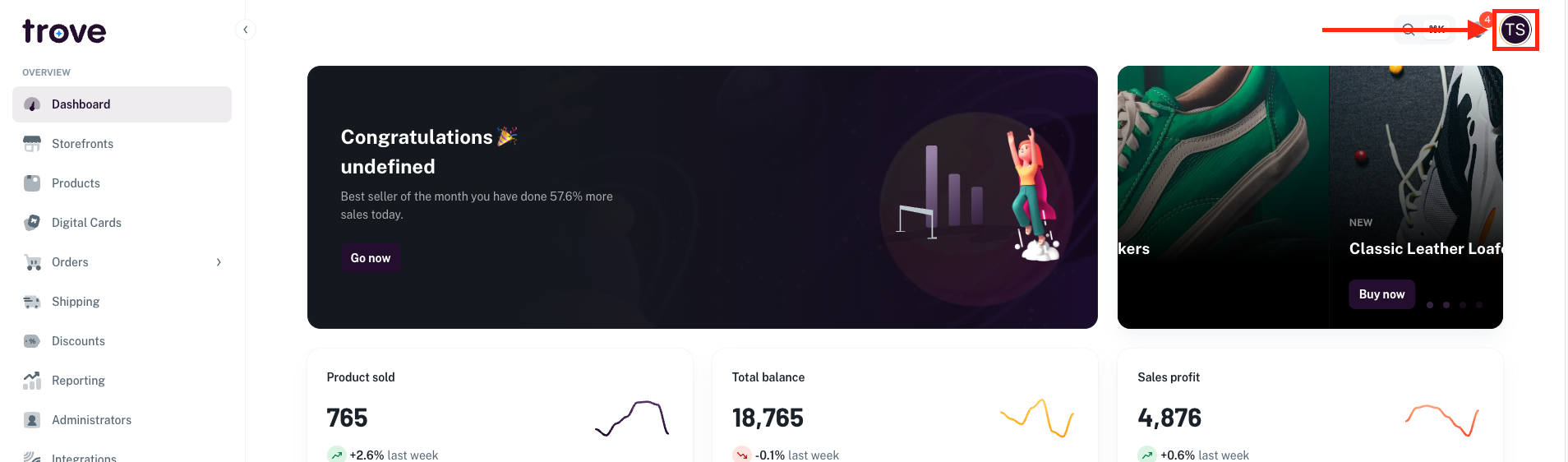
To do the update, head to your profile icon in the top right of the page
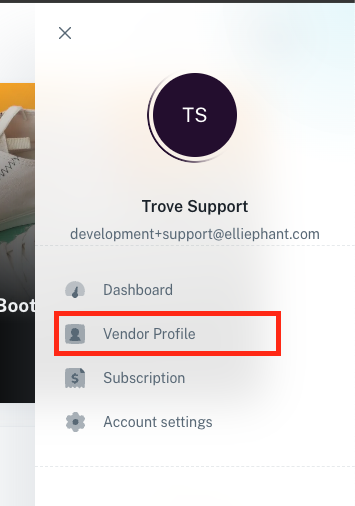
In the dropdown menu select "Vendor Profile"
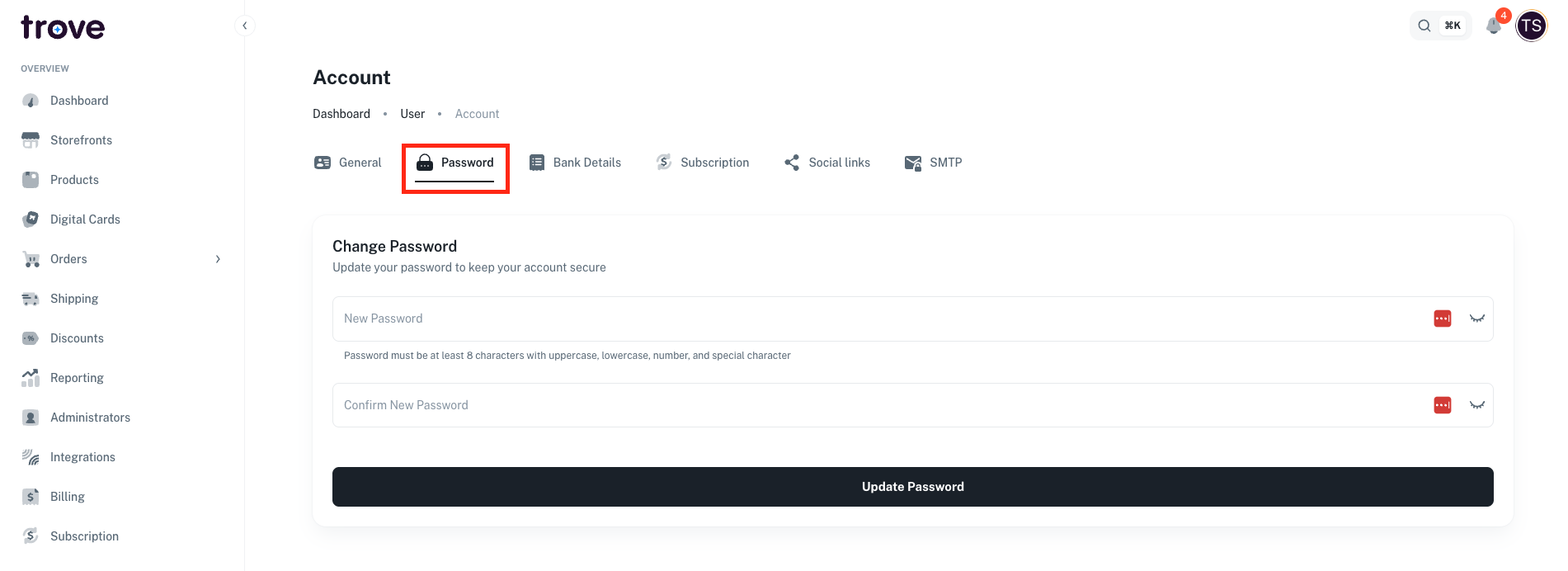
On this page you will need to click on the "Password" tab
Here you can enter in your new password
Once you have updated your password you will be asked to login again.