Completing the Product step
If you have set up an integration with Trove then you can skip this step.
Otherwise you can upload a CSV of your products using our product import.
The format of this file needs to be in a CSV format
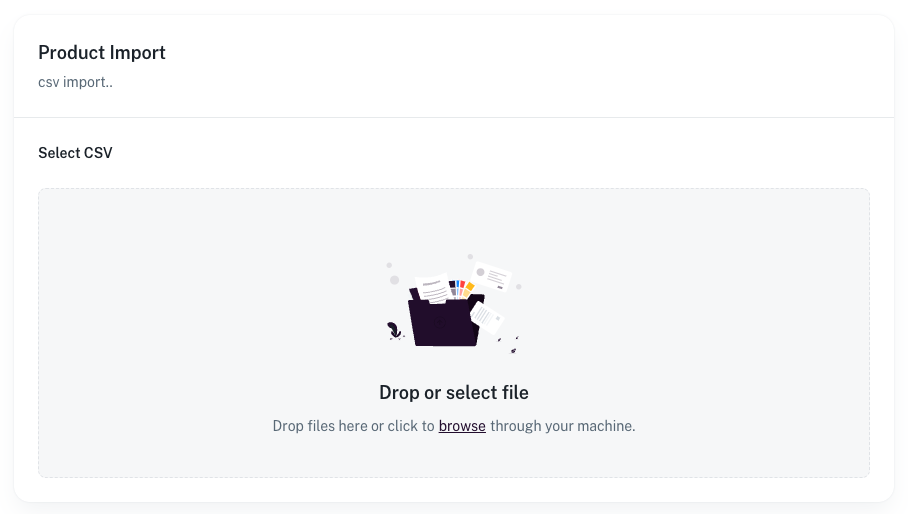
The actual content of the file can vary as you can match the columns in the next step
So you can export the CSV from your current system in the format and order they provide otherwise you can use our sample CSV as a starting point
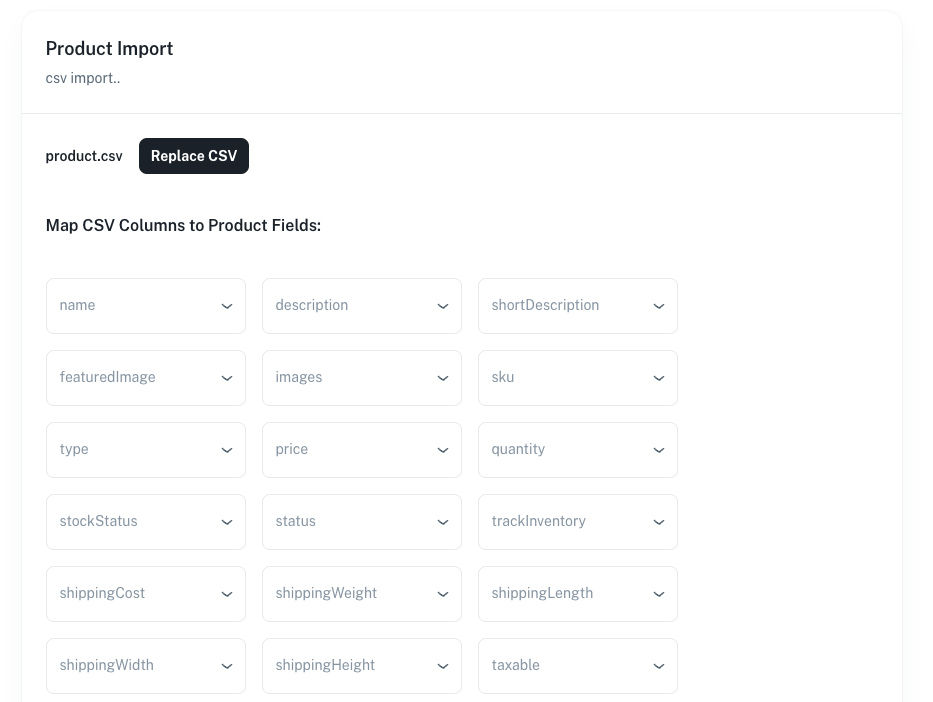
Once you have uploaded the CSV you can then select the columns that match the product fields
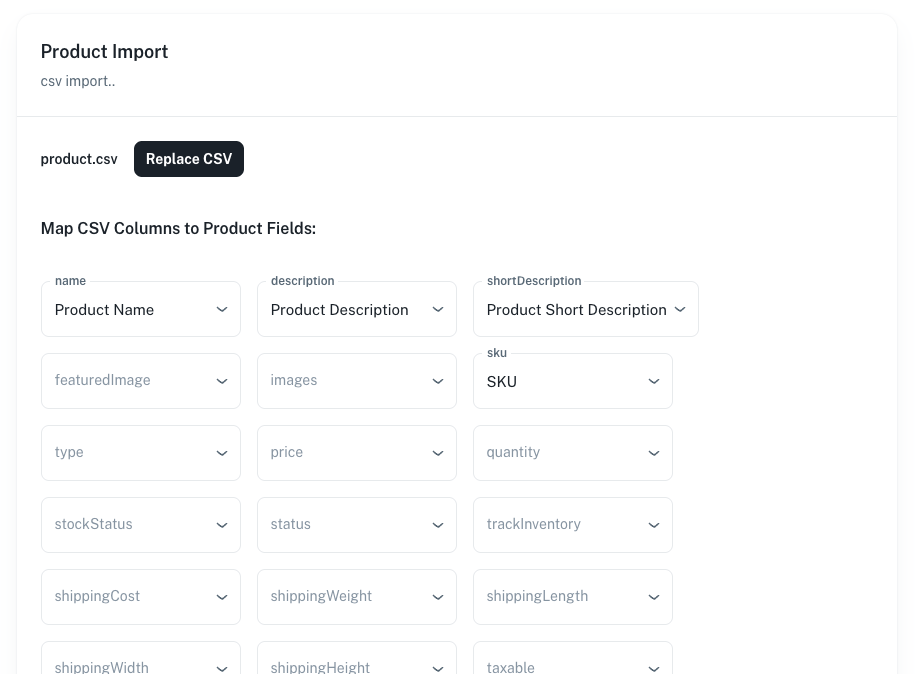
Once you are done please allow some time for the import to complete