How to create a new storefront
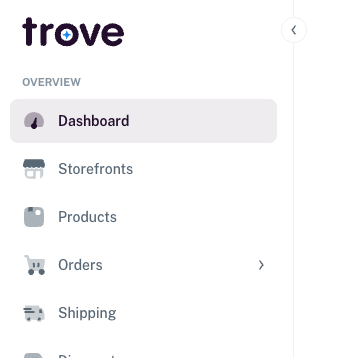
To create a new storefront you need to go to the list of storefronts here:
Here you can see the list of your storefronts and to create a new one you just need to click on the option at the top called "New Store"

You then have a few details to fill out.
Information on the details can be found here
Once the form is filled out you can then click save to create the new storefront