How to update a storefront
To update any storefront details you need to go to storefronts in the main menu
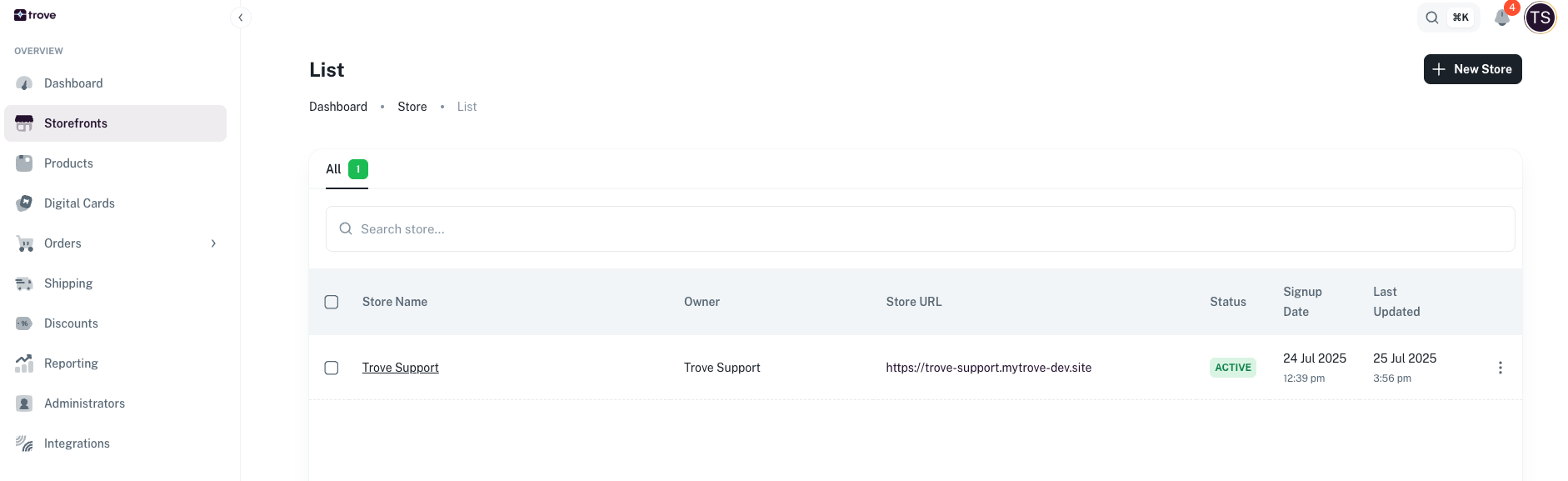
Next you will need to click on the 3 dots and then edit
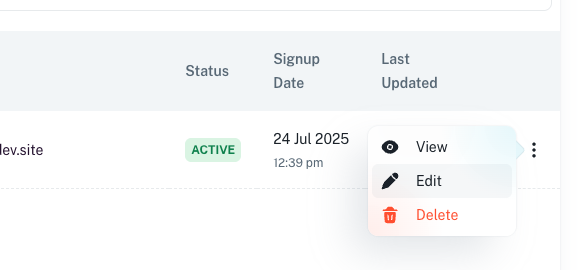
From here you can edit the following details:
- Store name
- Locations
- Store Icon
- Logo
- Primary Color
- Secondary Color
- Banner image
- Banner Copy
- Custom URL
- Store status
- Currency