How to re-order my header links
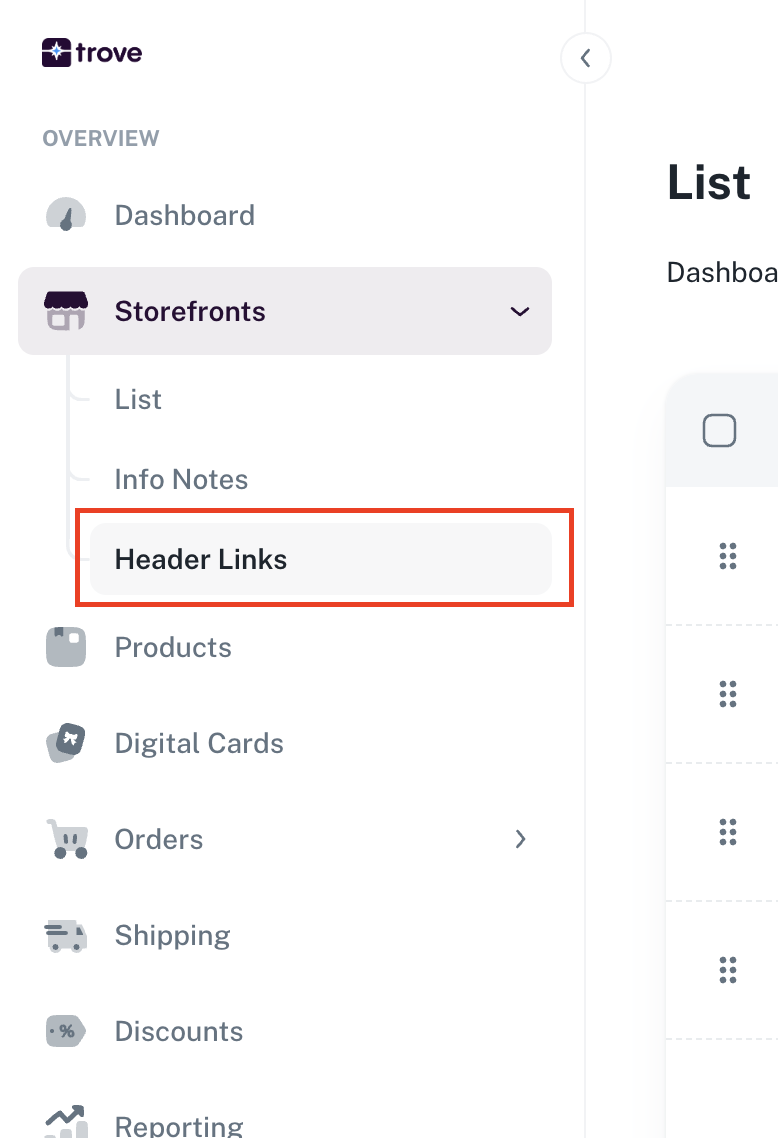
To update your header links you will need to go to your menu item "Storefronts" then "Header Links"
Here you will see the list of your links
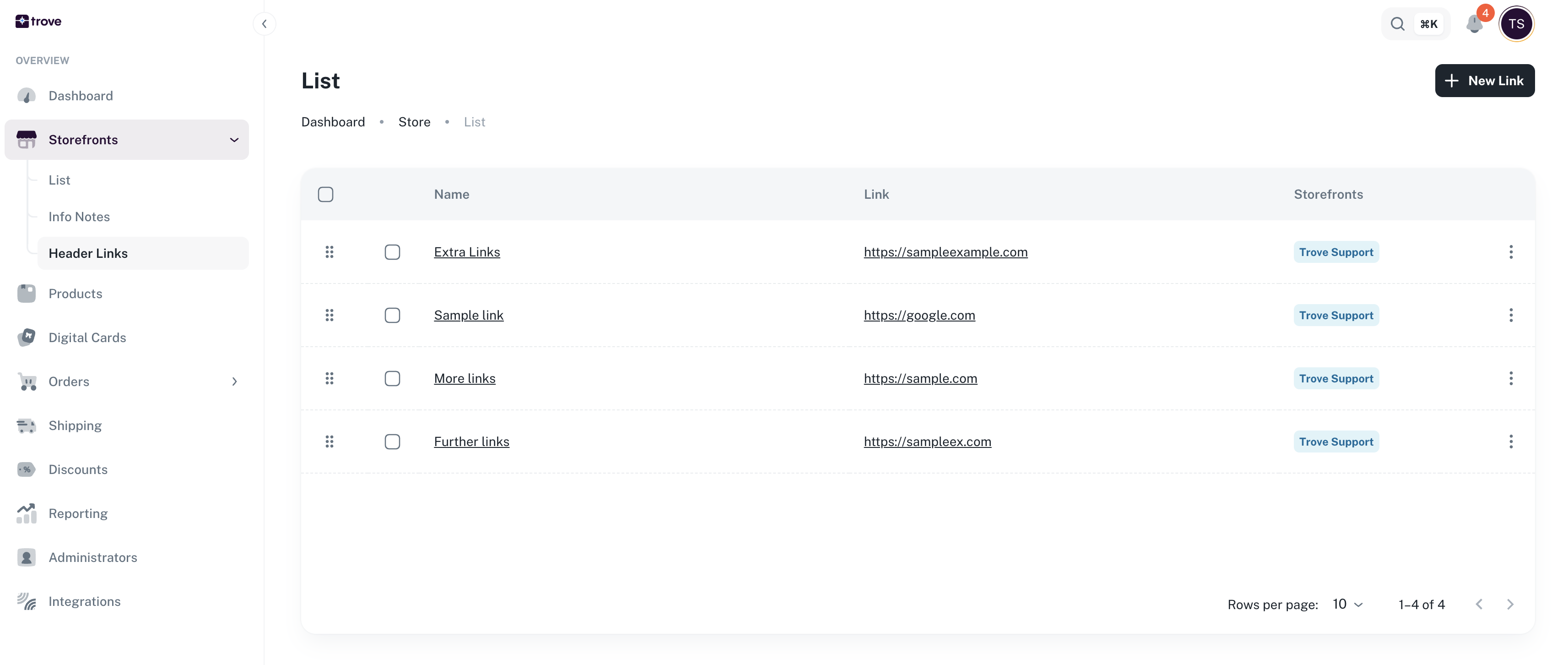
Providing that you have links in this list there will be 6 dots on the left hand side

You can use these and drag and drop the links to put them in the correct order
This will auto save once placed in the right order