How to remove a header link
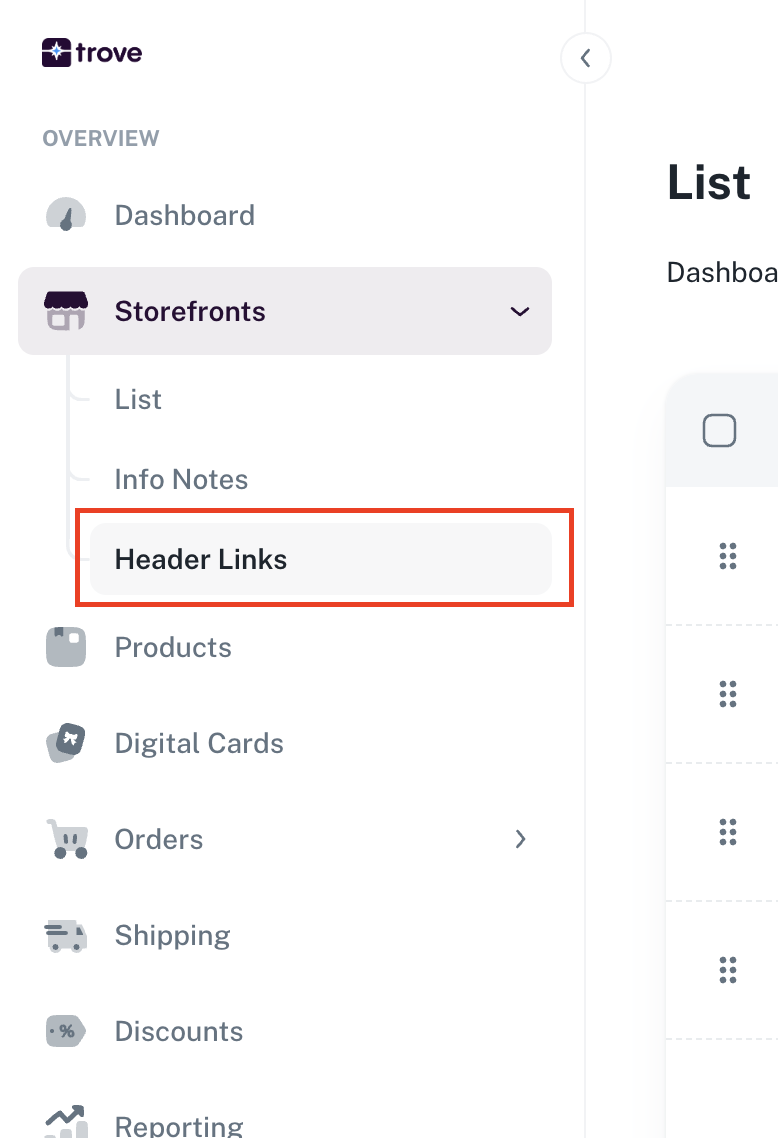
To update your header links you will need to go to your menu item "Storefronts" then "Header Links"
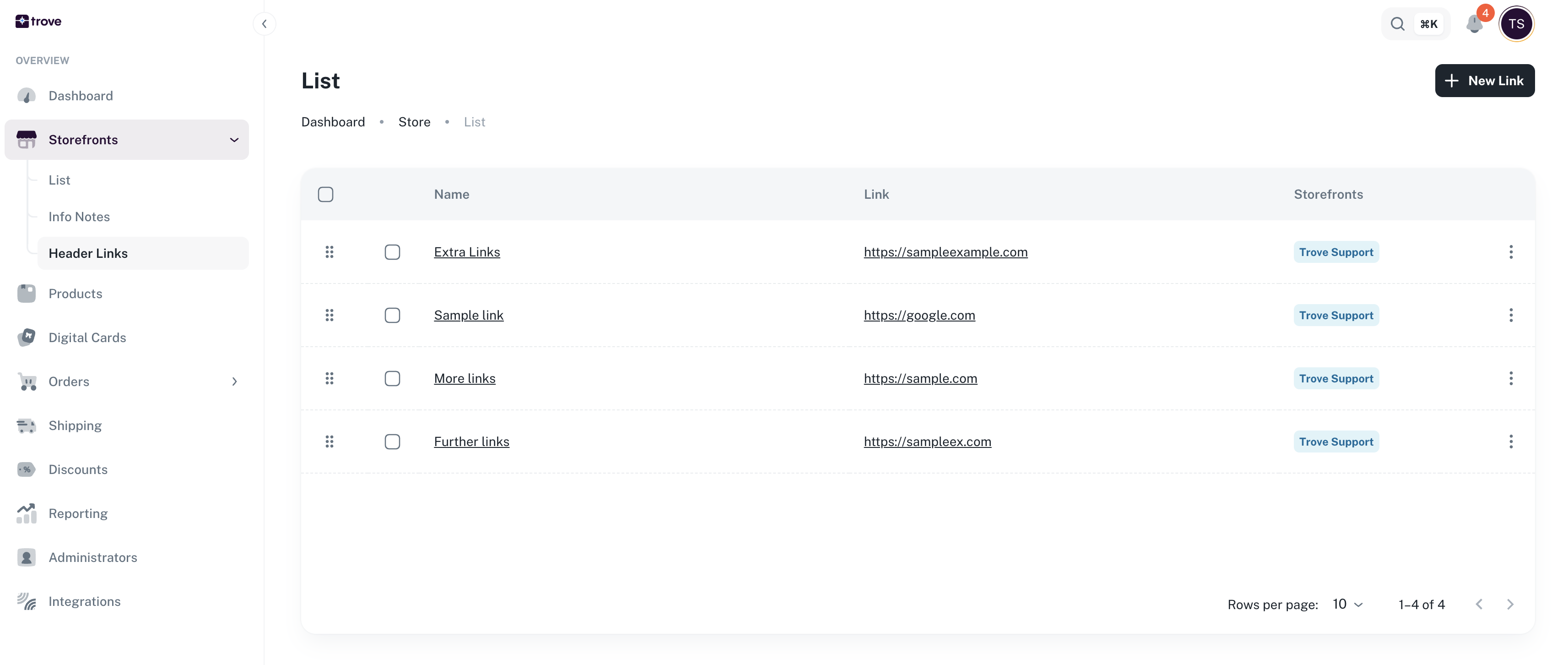
Here you will see the list of your links
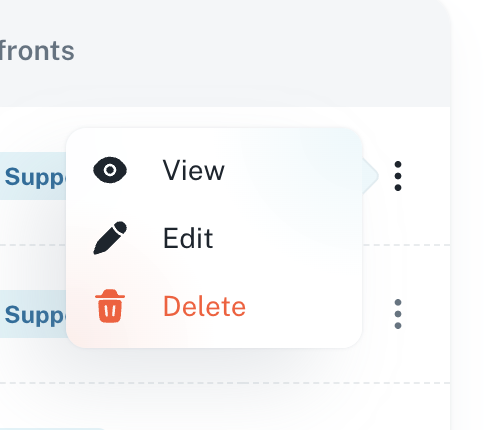
To edit a selected link you will need to click on the 3 dots then delete
Once you have confirmed the deletion the link will be removed from the site