What are your storefront "header links"?
These are the links that can appear at the top of your storefront:

Use them to send your customers to your home page, support, information pages or even a different storefront. Each link has a name, a web address, and the storefronts it appears on. You manage them under Storefronts > Header Links.
How to manage them
- How to add a new header link
- How to update a header link
- How to remove a header link
- How to re-order my header links
How they appear
There's no limit to how many links you can have. How they show depends on the screen:
- On a computer, up to 3 links are shown in a row. With more than 3 they're turned into a "hamburger" style menu.
- On a phone or tablet (narrower screens), the links are always in the hamburger menu, even if you only have one.

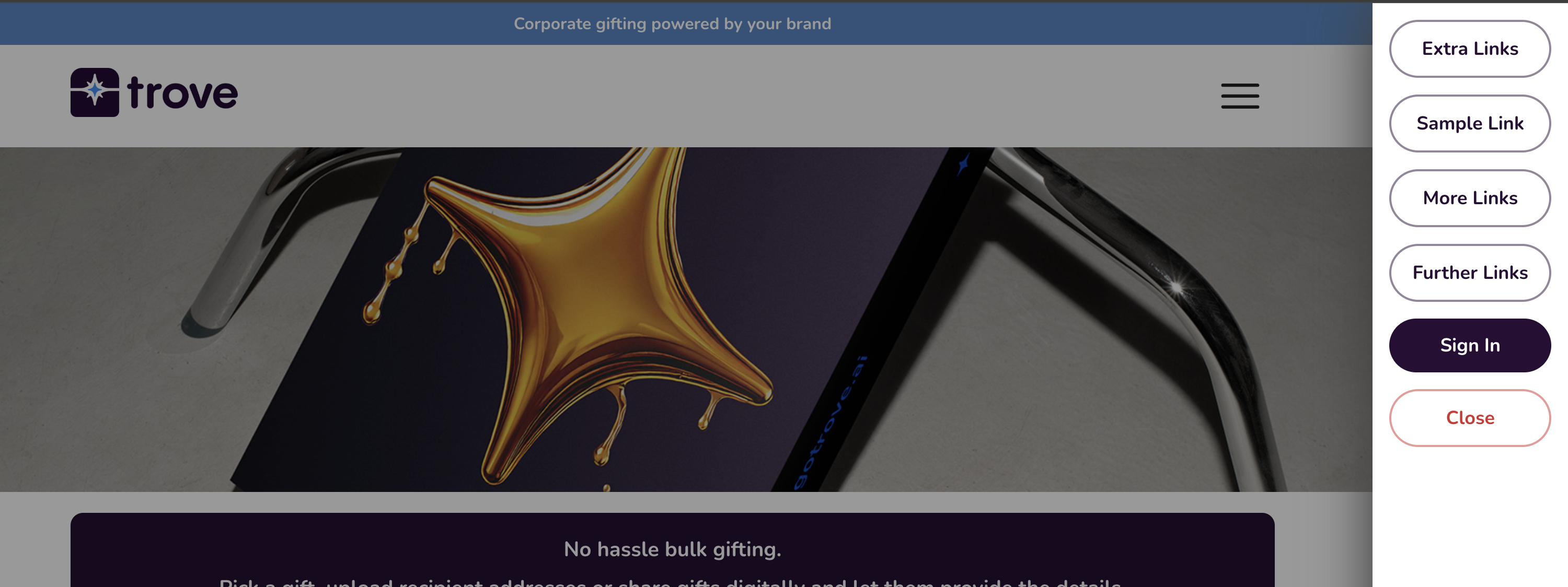
If customer accounts are switched on for the storefront, Log in or My Account appears in the menu too.
A link can open in the same tab or a new tab, depending on how you set it up.