How to add new Storefront Info Notes?
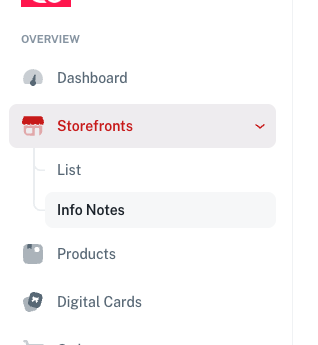
To add in new info notes on your storefront you will need to be logged into your dashboard and go to "Storefronts" then "Info Notes".
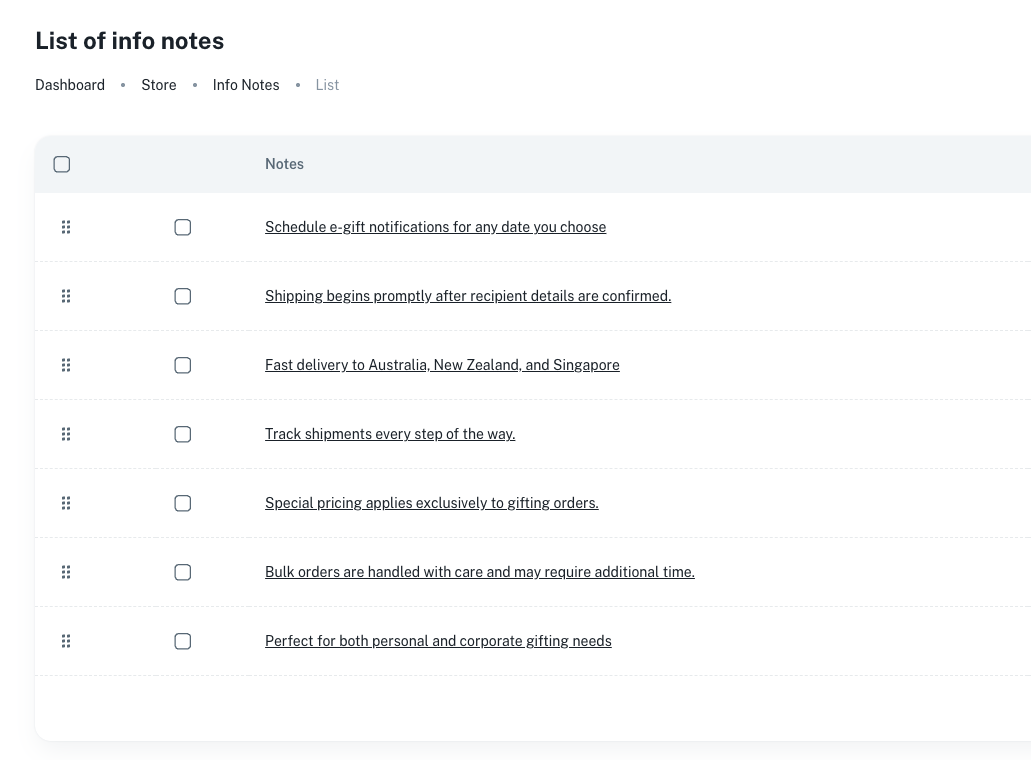
From here you will see a list of your existing notes or an empty list.
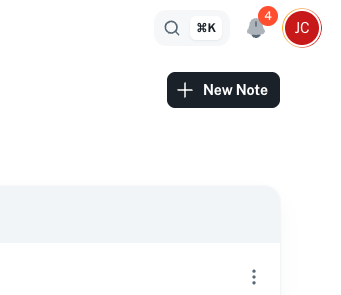
From here, to add a new note you will need to click on the button "New note" in the top right.
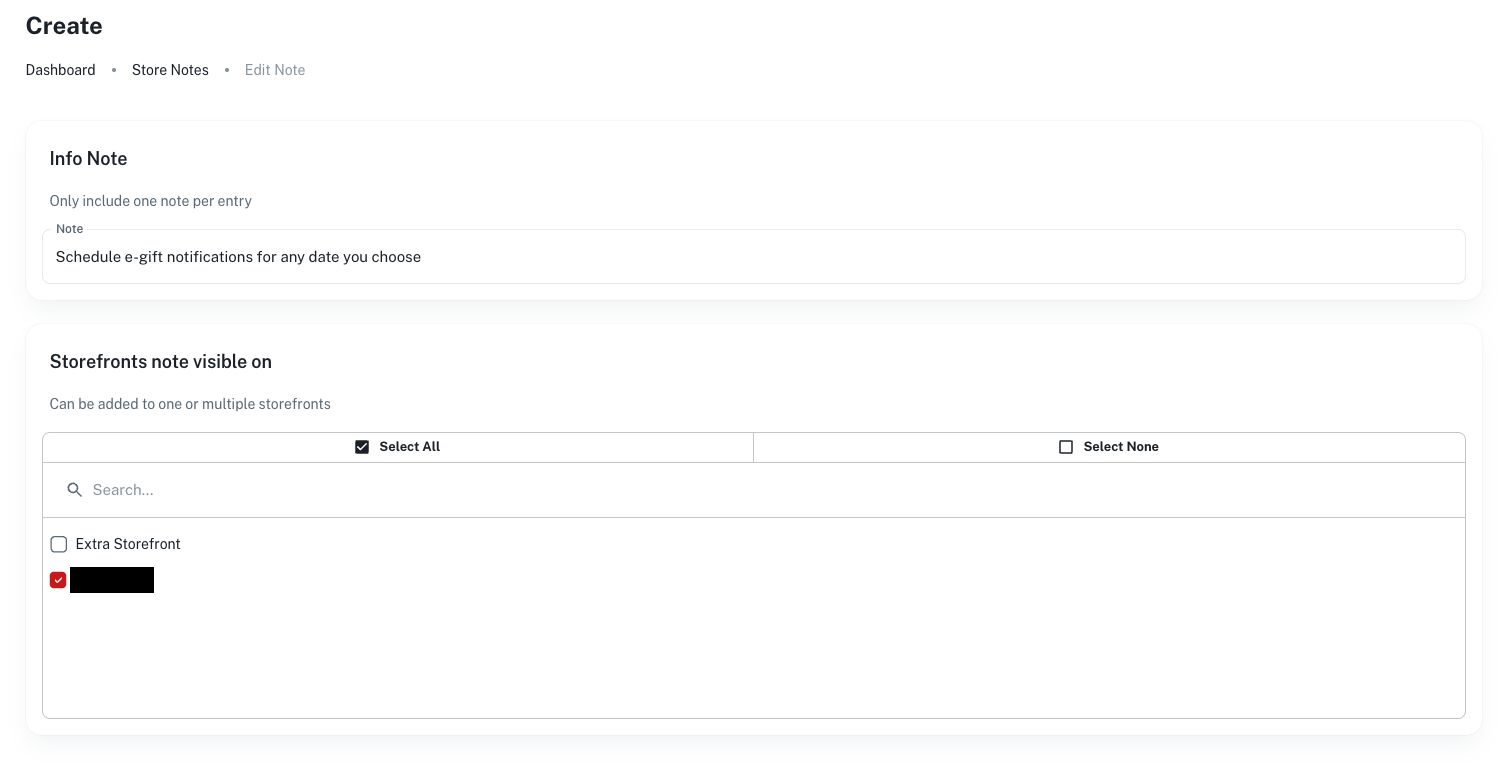
From here you will have a form to enter your note information and you can select the storefront this note is visible on.
Once you have filled out all the information you can click on "Create notes".
This will then save and add the note on all selected storefronts.