How to delete your Storefront Info Notes?
To delete the info notes on your storefront you will need to be logged into your dashboard and go to "Storefronts" then "Info Notes".
From here you will see a list of your existing notes or an empty list.
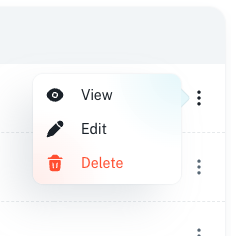
From here, to delete a note you will need to click on the 3 dots on the right side and click on Delete.
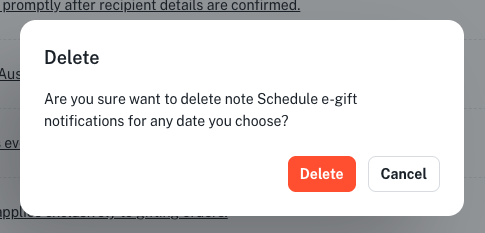
You will then be asked to confirm the removal of the note, once confirmed the note will no longer appear.